How to do split screen on Samsung
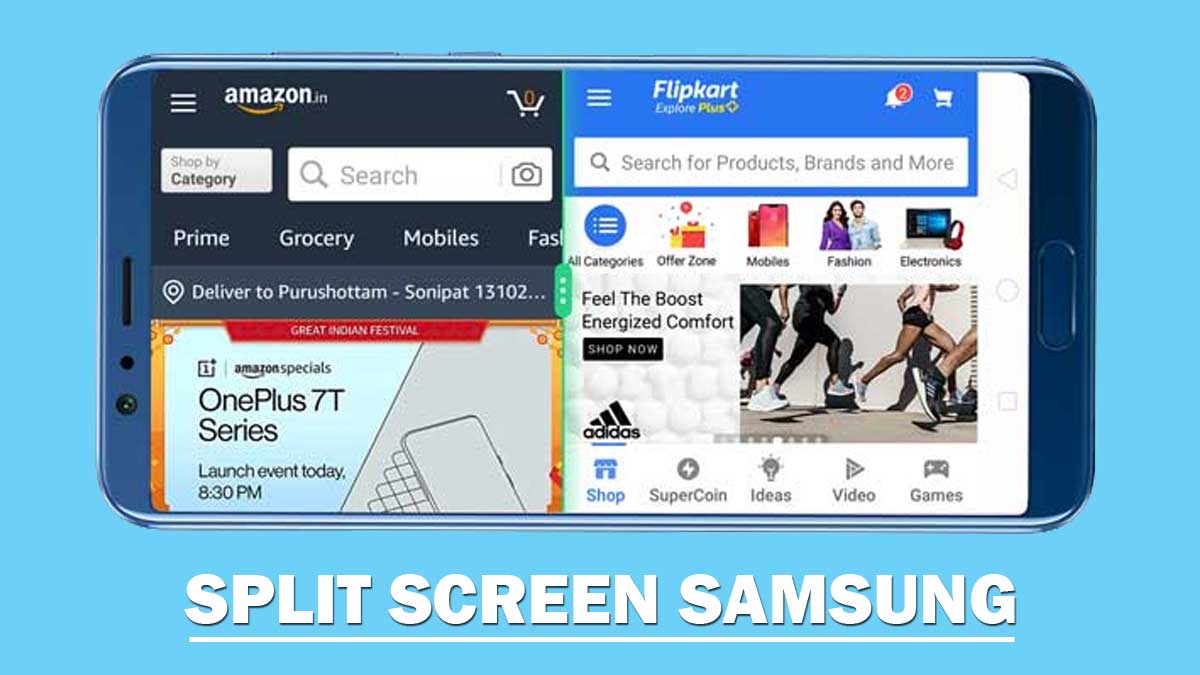
Split screen on Samsung phone is a very cool feature. You can use two apps simultaneously using split screen on Galaxy devices. There are many times when we want to use two apps at a … Read more

Split screen on Samsung phone is a very cool feature. You can use two apps simultaneously using split screen on Galaxy devices. There are many times when we want to use two apps at a … Read more
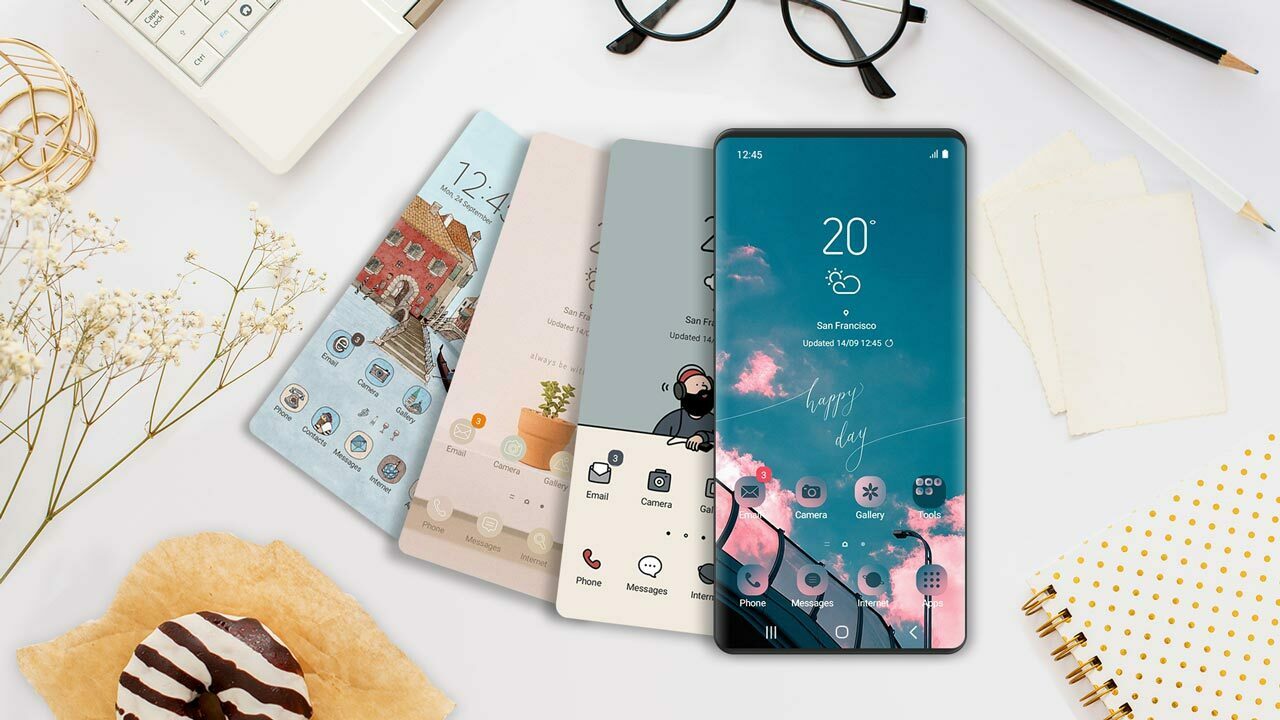
A Samsung theme can control general look and feel of a Galaxy phone. Theme store app comes pre-installed in Galaxy phones. This app also get latest updates automatically from Galaxy app store. Theme store apps … Read more
Samsung Knox comes pre-installed in most of the Galaxy devices. Knox security is a very good feature provided by Samsung to protect their users important data. On the other hand there are some disadvantages of … Read more
Samsung Knox security has become very popular among the youth as everyone want to protect his data from theft. And Samsung claims that its Knox security is a high level of security and can’t be … Read more
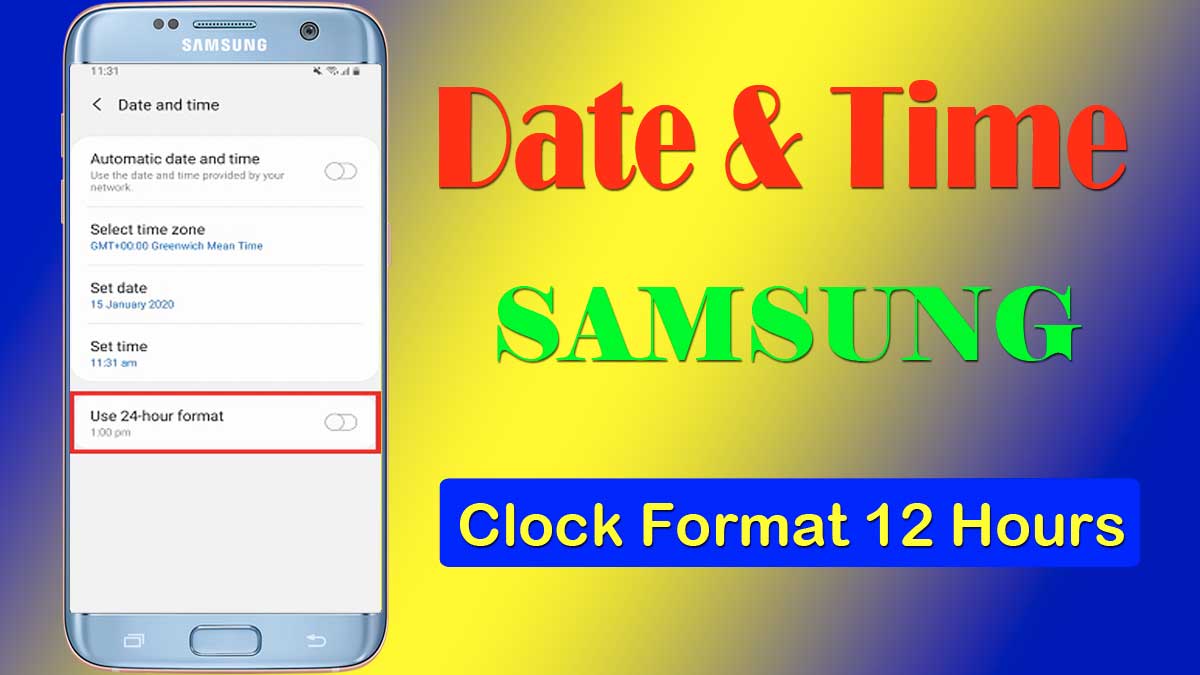
It is very important to set the date & time correctly in Samsung phone. Because setting date & time to correct will keep you in schedule. Other than keeping you on schedule, setting date & … Read more
How to check battery health in Samsung phones is a most often asked question among the Galaxy users. Samsung claims that its all Galaxy phones are equipped with light weight high performance batteries. We have … Read more
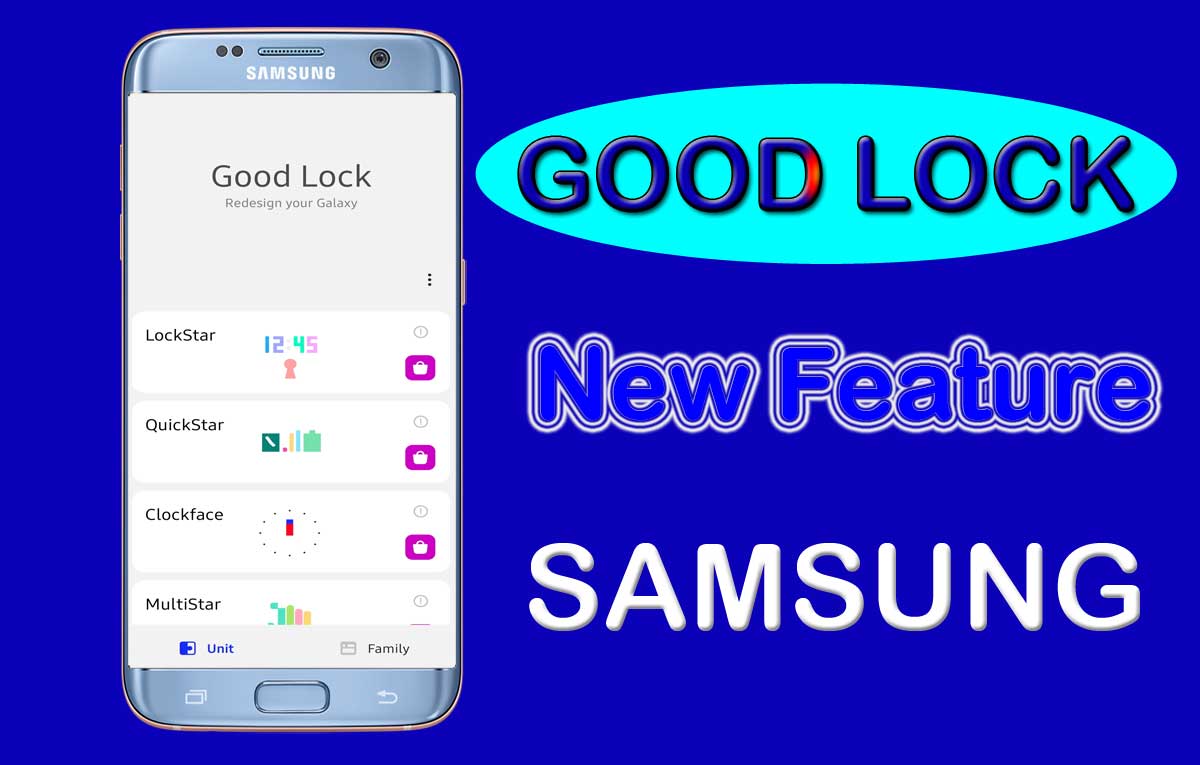
Most of the Samsung phones are powered with customized One UI skin and people are loving One UI as it is easy to use, feature rich and customizable. People also show faith in Samsung as … Read more